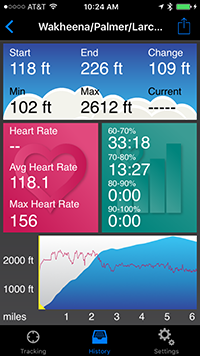


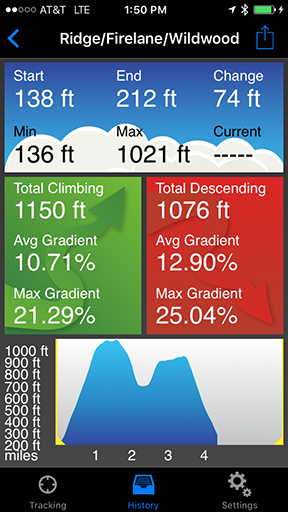
Do you run, hike, bike, ski or perform any activity that involves lots of hills? Did you ever wonder just how much climbing and descending you're doing? If so, Elevation Tracker is for you. This app uses the iPhone's GPS receiver to track elevation changes, and displays an elevation profile in real time. It also shows statistics including:
- Starting, ending, minimum and maximum elevation
- Total climbing and descending
- Average gradient (climbing and descending)
- Maximum gradient (climbing and descending)
- Time moving, time climbing and time descending
- Distance
- Current, average and maximum speed
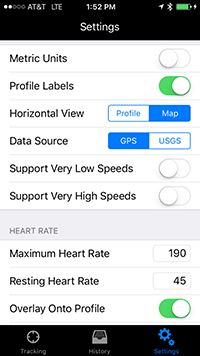
- Current, average and maximum heart rate (with separate HR sensor)
- Time in four heart rate zones
You can view these statistics for a portion of your route by dragging the range selectors across the profile. For example, you can check the elevation gain for one particular climb or compare your average speed on different climbs.
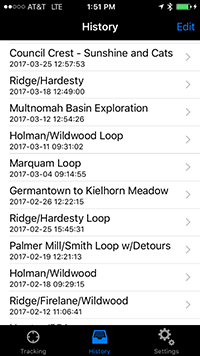
When you're done, you can save the route for review later; email a summary and profile image to a friend or post it on Facebook; or send your GPS data in GPX format to a website like Ride with GPS.
The app works in the background or with your device locked, and can run alongside other GPS apps, so you can generate elevation profiles with this app while doing other kinds of tracking with another app. And it can display key info on an Apple Watch or Pebble smart watch for quick access during your activities. Install it today and give it a try!